
Image Generation Prompts
A comprehensive library of 72 optimized image generation prompt styles across 12 categories, each with multiple contextual prompt variations tailored for real-world use cases. Every style doc provides copy-paste prompts for Nano Banana 2 (featured), ChatGPT, Midjourney, and Stable Diffusion — simply replace [PLACEHOLDERS] with your own content.
⚡ Quick Start with Nano Banana 2
Section titled “⚡ Quick Start with Nano Banana 2”If you just want to generate something great right now:
- Pick a style from the categories below.
- Open the style doc and go to the Nano Banana 2 section (listed first).
- Choose the variation that matches your use case (e.g., “Social Media Post,” “Desktop Wallpaper,” “Character Portrait”).
- Copy the prompt, replace the
[PLACEHOLDERS], and paste into Nano Banana. - Iterate — use follow-up messages to refine colors, composition, lighting, or details.
Have a reference photo? Jump to the Image-to-Image Transformations section to transform existing images into any style.
Platform Guide
Section titled “Platform Guide”Each prompt is provided in four platform-specific variants. Understanding their strengths will help you get the best results. The guide also covers three additional platforms — FLUX, Ideogram, and Recraft — worth reaching for when their specialties match your use case; the prompts in this library adapt to them with minor tweaks.
🔵 Nano Banana 2 (Featured — Best Overall Quality)
Section titled “🔵 Nano Banana 2 (Featured — Best Overall Quality)”Nano Banana 2 (powered by Gemini 3.1 Flash Image) is a major upgrade over the original. Treat it as a full-featured creative engine, not a quick-filter tool.
-
Style: Detailed, structured natural language. Front-load the asset type and primary subject, then layer in style, lighting, and composition details.
-
Strengths: Combines pro-model quality with flash-model speed. Supports multi-turn conversational refinement, search grounding (reference real-world subjects by name), accurate text rendering, character consistency (up to 5 characters), and output up to 4K resolution.
-
Why It’s Featured: NB2 consistently produces the most detailed, accurate, and stylistically faithful results across all 72 styles in this library. Its conversational refinement loop means you can iterate toward perfection without re-writing your entire prompt.
-
Key Tips:
Tip Details Be specific, not vague NB2’s reasoning engine rewards precise descriptors for textures, colors, and lighting over generic adjectives Front-load important details Place the asset type and primary subject at the beginning of your prompt Specify aspect ratios Explicitly state the format: 16:9for wallpapers,3:4for Instagram,9:16for stories,1:1for profile picturesIterate conversationally Refine with follow-ups: “Change the palette to warmer tones,” “Move the subject left,” “Add more texture to the background” Leverage search grounding For real-world subjects, ask the model to reference accurate imagery: “Use image search to find accurate reference for [specific subject]” Use positive framing Instead of “no cars,” describe the scene you do want: “empty, deserted street” Specify camera/lens For photographic styles, include lens (85mm, 35mm, macro), aperture (f/1.8, f/8), and camera angle (low, eye-level, bird’s eye) Name your lighting Use specific lighting terms: “Rembrandt lighting,” “golden hour,” “tungsten warm glow,” “volumetric fog”
ChatGPT (GPT-4o Image Generation)
Section titled “ChatGPT (GPT-4o Image Generation)”Replaces the standalone DALL-E 3 model, which is deprecated as of May 2026.
- Style: Fully conversational, natural language. Describe your scene as if briefing an artist.
- Strengths: Excellent scene comprehension, precise spatial relationships, and iterative refinement through follow-up messages.
- Tips: Be specific about subject placement, lighting direction, and mood. You can assign it a persona (e.g., “Act as a professional product photographer”) for higher fidelity. Use follow-up messages to adjust individual elements without re-describing the whole scene.
Midjourney (V7)
Section titled “Midjourney (V7)”V7 is the current default model. Parameters like
--v 6.0are no longer needed.
-
Style: Natural language with parameters appended at the end. V7 has moved away from keyword stuffing toward descriptive sentences.
-
Key Parameters:
Parameter Purpose Example --arAspect ratio --ar 16:9,--ar 4:5--sStylization (0–1000). Low = literal, high = artistic --s 250--noExclude elements (replaces negative prompts) --no text, blur--crefCharacter reference — maintains identity across images --cref [URL]--srefStyle reference — applies the aesthetic of a reference image --sref [URL]--iwImage weight for reference influence (0–2) --iw 1.5--chaosVariation in initial grid (0–100) --chaos 30 -
Tips: Place the most important visual information first. Use
--nijifor anime and illustration styles.
Stable Diffusion (SDXL / SD 3.5)
Section titled “Stable Diffusion (SDXL / SD 3.5)”- Style: Supports both keyword tags and natural language. Modern models (SDXL, SD 3.5) work best with descriptive sentences, structured as Subject → Action → Environment → Style/Lighting.
- Negative Prompts: Use sparingly and only for specific unwanted elements. Bloated negative prompt lists degrade output quality on modern models. Try generating without negatives first, then add targeted exclusions as needed.
- Tips: Avoid over-weighting (e.g.,
(keyword:1.5)) — use it to nudge, not force. Ensure your resolution matches the model’s native aspect ratio.
FLUX (Black Forest Labs)
Section titled “FLUX (Black Forest Labs)”The FLUX.1 family spans open-weight models ([schnell], [dev]) and hosted pro tiers (FLUX.1 [pro], FLUX 1.1 [pro]), plus the FLUX.1 Kontext suite for image editing.
- Style: Descriptive natural language, similar to SDXL/SD 3.5 prompting but with stronger prompt adherence — complex multi-subject scenes and spatial relationships hold together well. No negative prompts on standard pipelines.
- Strengths: Excellent prompt following, photorealistic rendering, solid in-image typography, and strong anatomy. Open-weight variants run locally (ComfyUI, Diffusers) and support LoRA fine-tuning.
- Kontext (image editing): FLUX.1 Kontext performs in-context generation and editing — prompt with text plus an image to make targeted local edits, preserve a character across scenes, or apply a reference style, all without fine-tuning or masks. Iterative editing keeps the rest of the image stable, making it a strong alternative for the img2img workflows in this library.
- Tips: Reuse the Stable Diffusion prompts from each style doc, dropping the negative prompt. For Kontext edits, give short imperative instructions (“Change the background to a rainy street, keep the subject unchanged”) and iterate one change at a time.
Ideogram (3.0)
Section titled “Ideogram (3.0)”Best-in-class text-in-image rendering — the go-to platform when your image must contain legible, correctly spelled words.
- Style: Natural language. Put the exact text you want in quotes and describe the typography (serif, hand-lettered, neon sign) and placement.
- Strengths: Market-leading text accuracy (posters, logos, signage, packaging, book covers — even multi-word headlines), strong graphic-design layouts, and photorealism. Style References (upload up to 3 images) and reusable style codes give precise aesthetic control; Magic Prompt expands terse prompts.
- Tips: Ideal for styles in this library that feature typography (concert posters, vinyl album covers, vintage advertising). Pick a design category (Poster, Logo) when available, and spell out the exact wording — e.g.,
a screen-printed gig poster with the headline "MIDNIGHT CANYON" in hand-drawn psychedelic lettering.
Recraft (V3)
Section titled “Recraft (V3)”A design-focused model — the only major platform that generates true vector (SVG) output, built for brand and production design work.
- Style: Natural language plus explicit design controls — style presets, exact brand colors, and text size/position on the canvas.
- Strengths: Native vector art generation (logos, icons, illustrations that scale infinitely), custom brand styles derived from a set of reference images without retraining, accurate text rendering with positioning control, and a full editing suite (vectorize, background removal, upscaling, inpainting/outpainting).
- Tips: Reach for Recraft when the deliverable is a logo, icon set, or brand asset rather than a rendered scene. Feed it exact hex/RGB brand colors, and use vector output for anything destined for print or scaling. Styles like Minimalist Notion, Art Deco, and Glass Embossed 3D translate especially well.
📐 Aspect Ratio Cheat Sheet
Section titled “📐 Aspect Ratio Cheat Sheet”Quick reference for common output formats. Note that aspect ratio capabilities vary by platform:
- Nano Banana 2: Fixed presets (
16:9,4:3,1:1,3:4,9:16). - ChatGPT: Fixed presets (
1:1,3:2,2:3). - Midjourney & Stable Diffusion: Fully dynamic support for precise pixel dimensions and custom ratios.
| Use Case | Ratio | Pixels (Recommended) | Notes |
|---|---|---|---|
| Instagram Post | 1:1 | 1080×1080 | Square feed post |
| Instagram Portrait | 4:5 | 1080×1350 | Tallest feed format, maximum real estate |
| Instagram / TikTok Story | 9:16 | 1080×1920 | Full-screen vertical |
| LinkedIn / Twitter Header | 3:1 | 1500×500 | Wide banner |
| Desktop Wallpaper | 16:9 | 3840×2160 | Standard widescreen / 4K |
| Ultrawide Wallpaper | 21:9 | 3440×1440 | Ultrawide monitors |
| Phone Wallpaper | 9:19.5 | 1290×2796 | iPhone Pro Max |
| Profile Picture / App Icon | 1:1 | 512×512 or 1024×1024 | Square, tight crop |
| Pinterest Pin | 2:3 | 1000×1500 | Tall vertical |
| YouTube Thumbnail | 16:9 | 1280×720 | Standard video thumbnail |
| Poster / Print (A-series) | 1:1.414 | 2480×3508 | A4 at 300 DPI |
| Book Cover | 2:3 | 1600×2400 | Standard paperback |
🖼️ Using Reference Images (Image-to-Image)
Section titled “🖼️ Using Reference Images (Image-to-Image)”When you want to stylize an existing photo (e.g., turning a portrait into a Pixar character or transforming a landscape into a watercolor), each platform handles reference images differently. Each style doc includes a dedicated 🔄 Image-to-Image Transformations section with platform-specific prompts.
Nano Banana 2 (Featured)
Section titled “Nano Banana 2 (Featured)”Upload your image to the conversation, then describe the transformation:
"Using the attached image as the base, transform it into [STYLE]. Preserve the subject's appearance and pose, but apply [SPECIFIC STYLE DETAILS]. Use a [ASPECT RATIO] format."Conversational refinement — After the initial result, iterate with follow-ups:
- “Increase the intensity of the style — push it further from photorealism”
- “Keep the subject’s face more recognizable”
- “Change the background to [NEW ENVIRONMENT] while keeping the style”
- “Apply the style only to the background — keep the subject photorealistic”
ChatGPT
Section titled “ChatGPT”Upload the image to the conversation, then prompt:
"Using the attached image as a reference for the subject's appearance, create a [STYLE] version. Preserve the person's likeness, clothing, and pose. [ADDITIONAL STYLE DETAILS]."Midjourney
Section titled “Midjourney”Place the image URL at the start of your prompt:
[IMAGE_URL] [STYLE DESCRIPTION] --iw [WEIGHT] --ar [RATIO]| Parameter | Recommended Value | Purpose |
|---|---|---|
--iw | 1.0–1.5 for style transfer, 1.5–2.0 for close preservation | Controls how closely the output follows the reference |
--cref | Use for character consistency across multiple images | Maintains identity (face, features) across generations |
--sref | Use to apply a style from a separate reference | Applies the aesthetic of another image |
Stable Diffusion
Section titled “Stable Diffusion”Use the Img2Img pipeline with these recommended settings:
| Setting | Light Stylization | Medium Transformation | Heavy Restyling |
|---|---|---|---|
| Denoising Strength | 0.3–0.45 | 0.45–0.65 | 0.65–0.85 |
| Use Case | Subtle filter effect | Balanced style transfer | New artwork based on composition |
- ControlNet alternative: For preserving exact pose/composition while completely changing style, use ControlNet with the
cannyoropenposepreprocessor. - Prompt: Describe the desired output style. The original image provides composition/structure.
- Negative Prompt: Target specific unwanted artifacts only.
🎯 Choosing the Right Style by Use Case
Section titled “🎯 Choosing the Right Style by Use Case”Not sure which style to pick? Start from what you need:
How to Use These Prompts
Section titled “How to Use These Prompts”- Find a style from the categories below or use the use-case guide above.
- Click through to the individual style doc.
- Pick a variation that matches your intended output (profile pic, wallpaper, poster, etc.).
- Copy the prompt for your platform — Nano Banana 2 is listed first and recommended.
- Replace placeholders —
[SUBJECT],[ENVIRONMENT],[COLOR], etc. — with your desired content. - Iterate — adjust details, swap environments, or refine lighting based on initial results.
Contribute! Generated a great image with one of these prompts? Submit a PR to replace the placeholder image in the style doc with your result!
📸 Professional & Persona
Section titled “📸 Professional & Persona”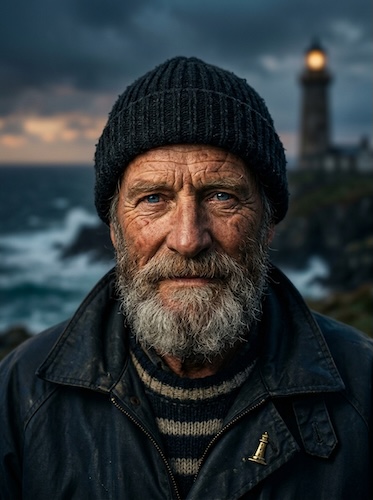
Cinematic Headshots
Dramatic, studio-quality portrait photography with professional lighting and shallow depth of fie...
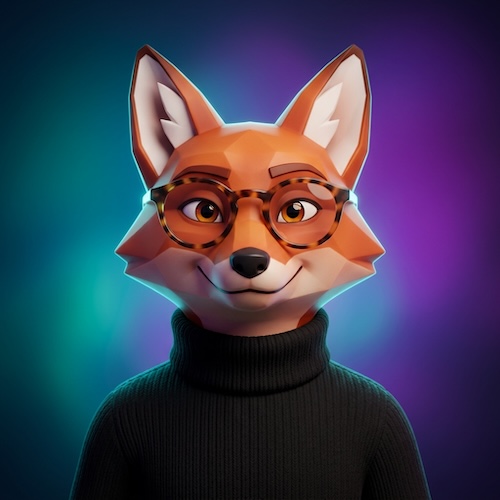
Modern Avatars
Clean, stylized 3D profile pictures with smooth geometric surfaces, vibrant gradient backgrounds,...

Professional Headshots
Polished, corporate-grade portrait photography optimized for business and professional contexts. ...
🎨 Toy & Miniature Worlds
Section titled “🎨 Toy & Miniature Worlds”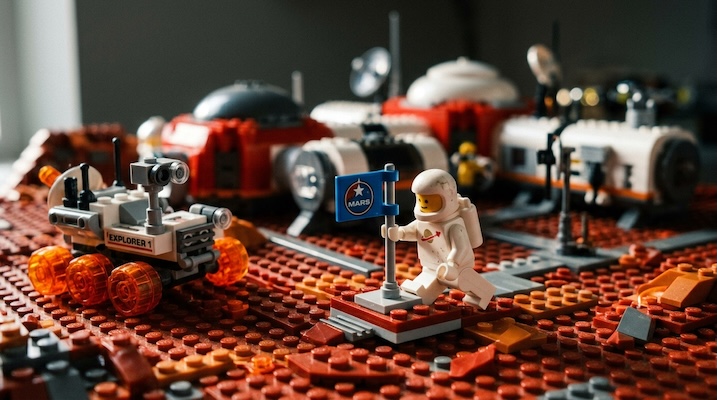
Lego Photography
Macro photography of Lego minifigures and brick-built environments, capturing the charm of glossy...
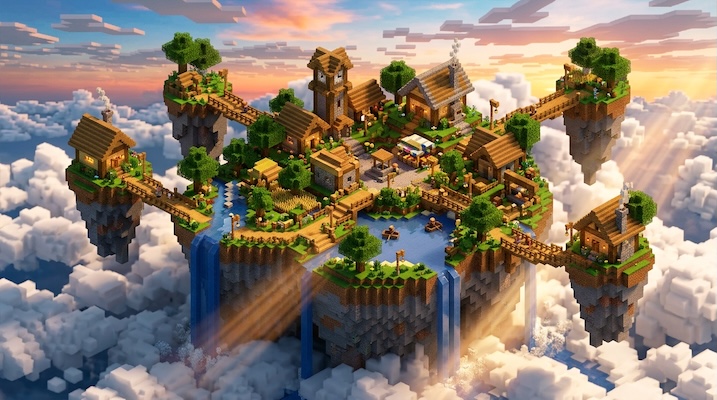
Minecraft / Voxel
Blocky cubic geometry, visible voxel grids, and RTX ray-traced lighting in the Minecraft visual l...
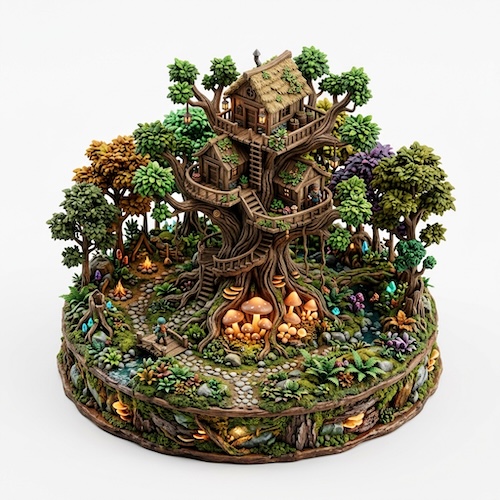
3D Isometric Resin Sculptures
Open, handcrafted miniature resin sculptures with richly textured surfaces and intricate sculpted...
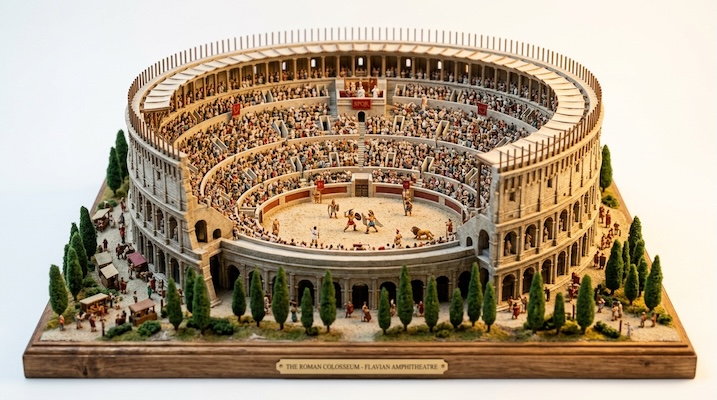
Landmark Dioramas
Miniature tilt-shift architectural models of real or imaginary landmarks — tiny, meticulously det...
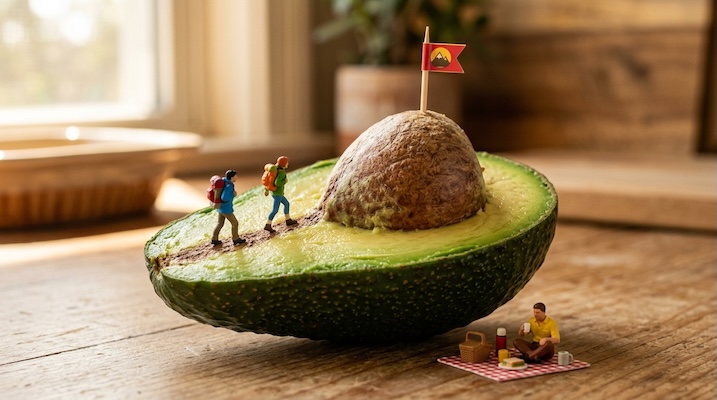
Miniature People in Everyday Objects
Tiny figurines — at the scale of ants — interacting with full-size everyday objects as if they we...
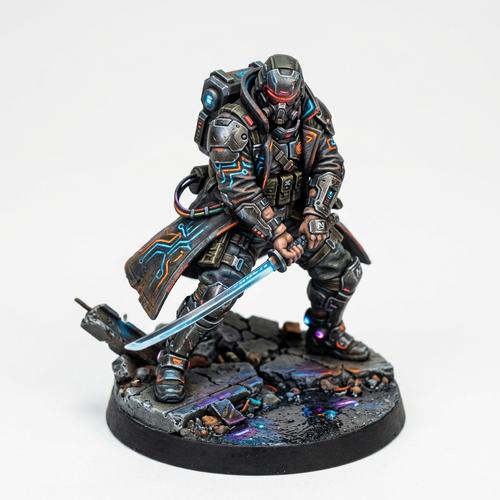
Collectible Figurines
Photorealistic miniature collectible figurines with a hand-painted resin prototype finish — the k...
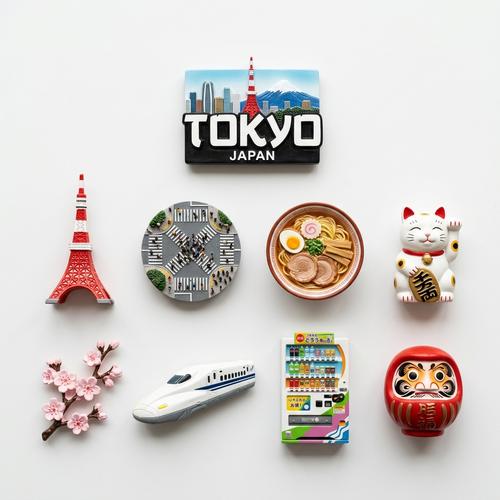
Fridge Magnet Knolling
Top-down, perfectly organized photographs of themed 3D fridge magnets arranged in a neat knolled ...
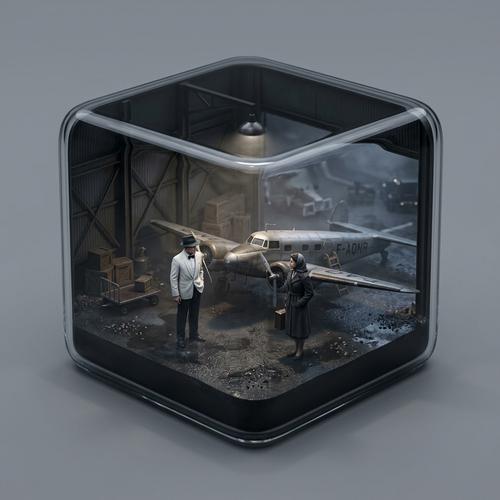
Movie Diorama Cube
Hyper-realistic miniature dioramas of iconic movie or TV scenes encased in sleek, rounded cubic g...
🎬 Animation & Comics
Section titled “🎬 Animation & Comics”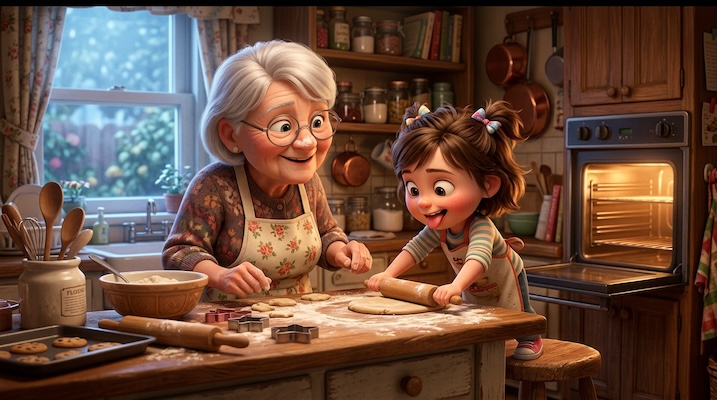
Pixar / 3D Animation
Expressive 3D animated characters with large emotive eyes, soft subsurface-scattered skin, and wh...
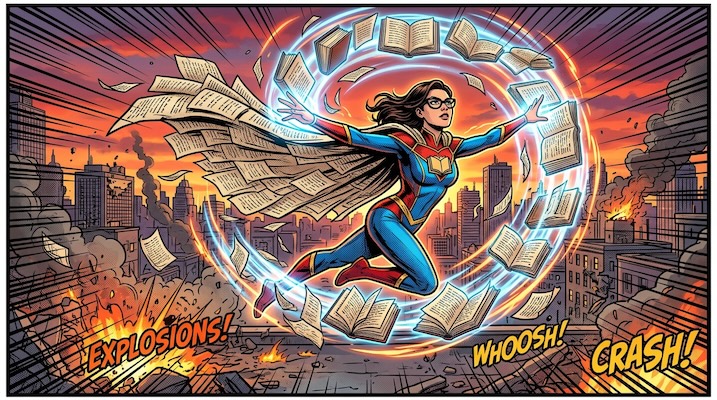
Superhero Comic Book
Dynamic action panels with heavy ink outlines, halftone dot shading, speed lines, and dramatic fo...
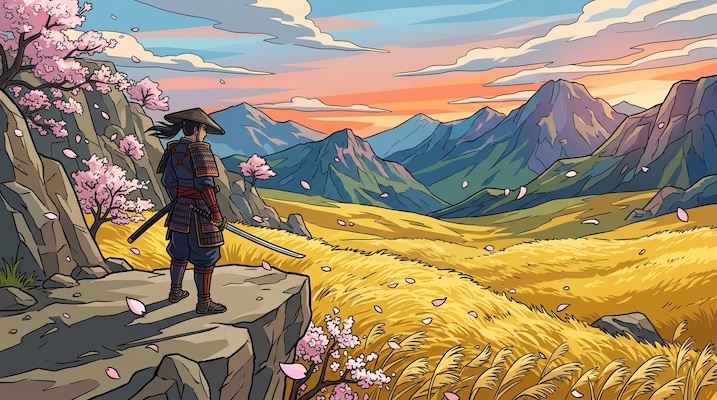
Cell Shaded Art
Flat-shaded stylized 3D with thick black outlines and bold, clearly defined color zones — the vis...
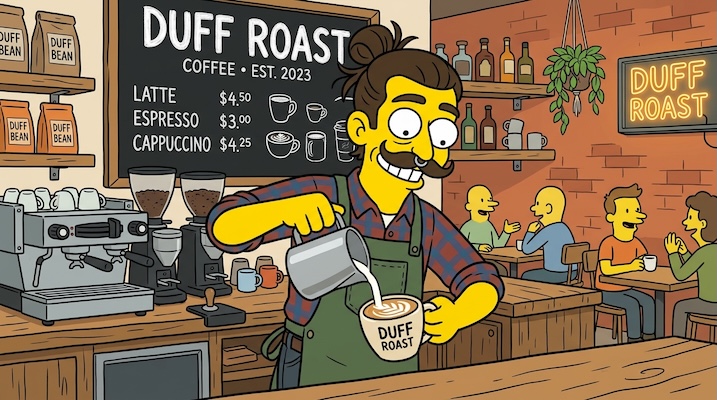
The Simpsons
Matt Groening's iconic art style — bright yellow skin, large round bulging eyes, prominent overbi...
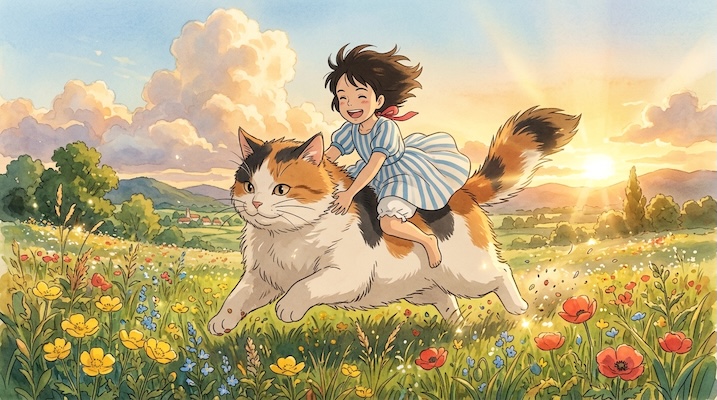
Studio Ghibli Anime
Lush, hand-painted watercolor environments with emotionally expressive character designs, evoking...
🧵 Craft & Materials
Section titled “🧵 Craft & Materials”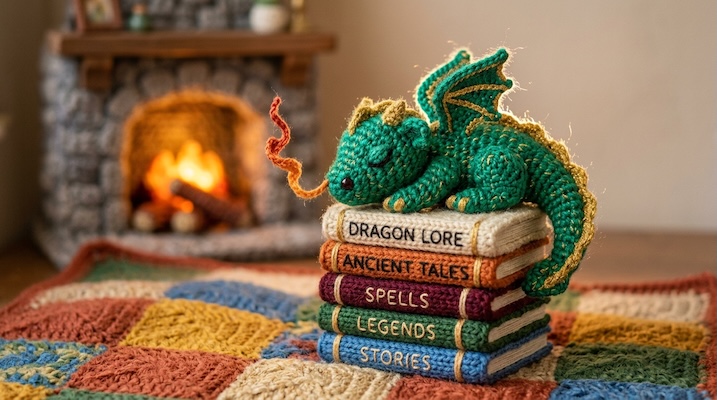
Made of Yarn / Amigurumi
Cozy, tactile scenes where everything — characters, environments, and props — is crafted from kni...
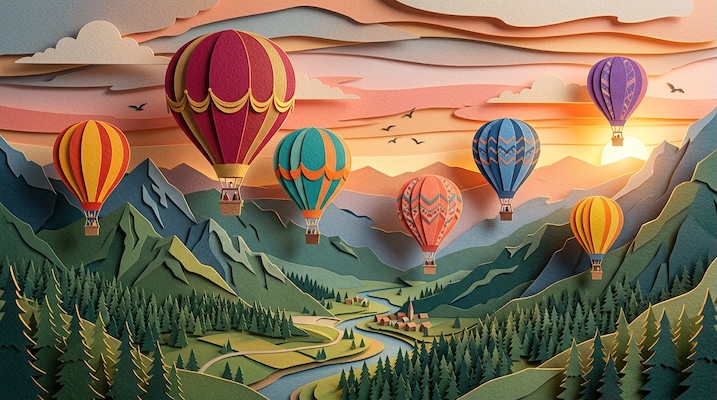
Paper Cutout / Kirigami
Multi-layered paper craft scenes with visible paper textures, crisp cut edges, and dramatic drop ...
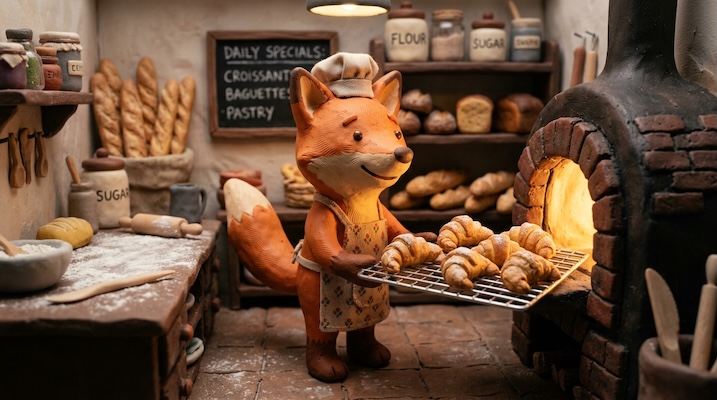
Claymation / Stop-Motion
Handcrafted clay characters and miniature sets with visible fingerprint impressions, slightly imp...
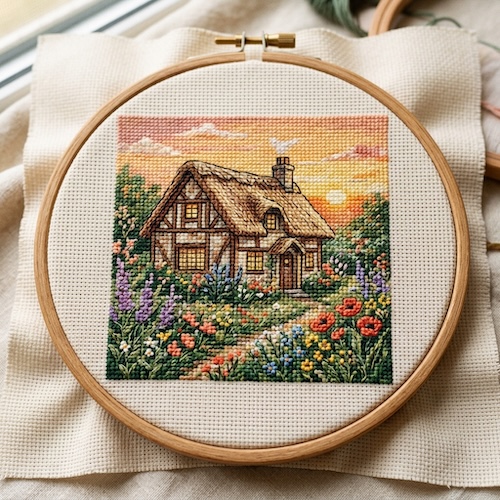
Embroidered / Cross-Stitch
Subjects rendered as thread on fabric — visible canvas weave, precise cross-stitch grid patterns,...
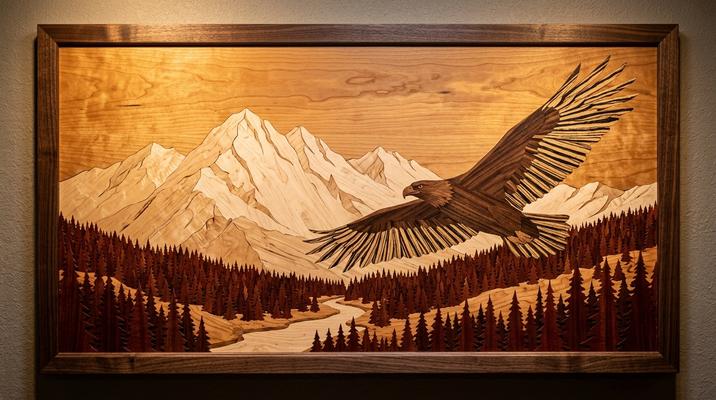
Wooden Marquetry / Intarsia
Scenes composed entirely from different wood veneers — walnut, maple, cherry, ebony, padauk, zebr...
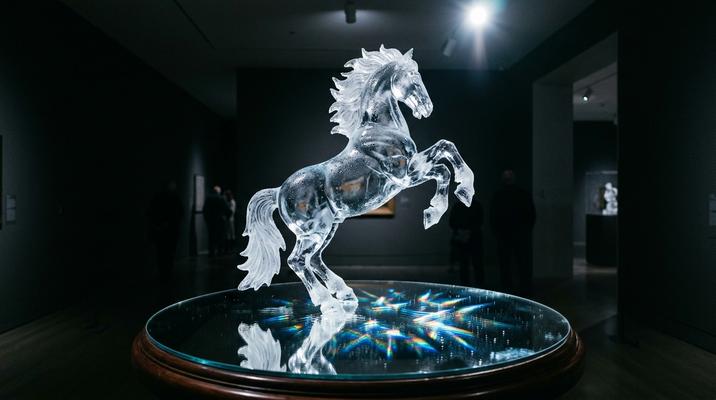
Frosted Glass / Ice Sculpture
Translucent, crystalline subjects carved from clear and frosted ice or glass, with internal refra...
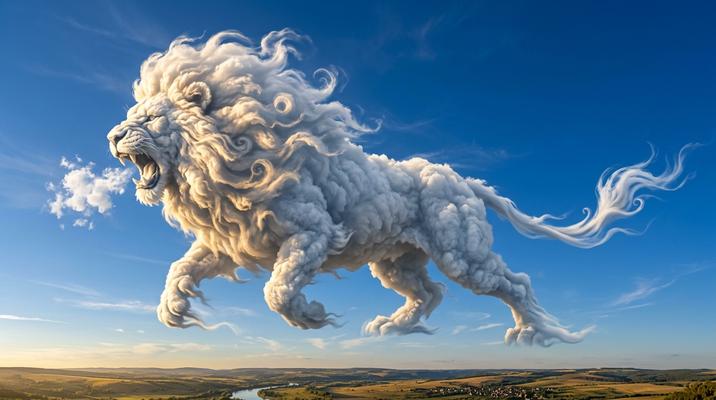
Cloud / Smoke Sculpture
Subjects formed entirely from volumetric clouds or swirling smoke, with dramatic lighting reveali...
✏️ Design & Graphic
Section titled “✏️ Design & Graphic”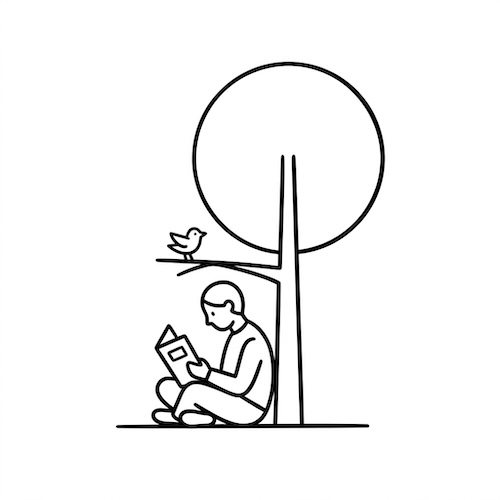
Minimalist Notion Style
Ultra-clean, black-and-white line art with bold strokes and generous negative space — the visual ...
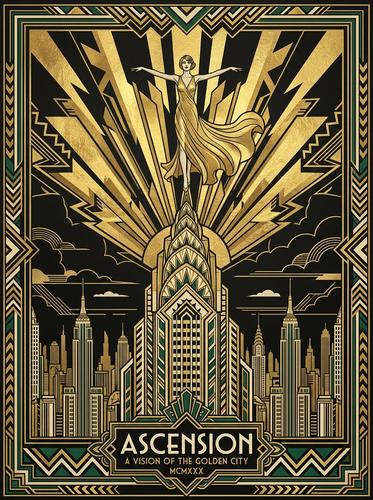
Art Deco Illustration
Gatsby-era geometric elegance with metallic gold and black palettes, radiating sunburst patterns,...
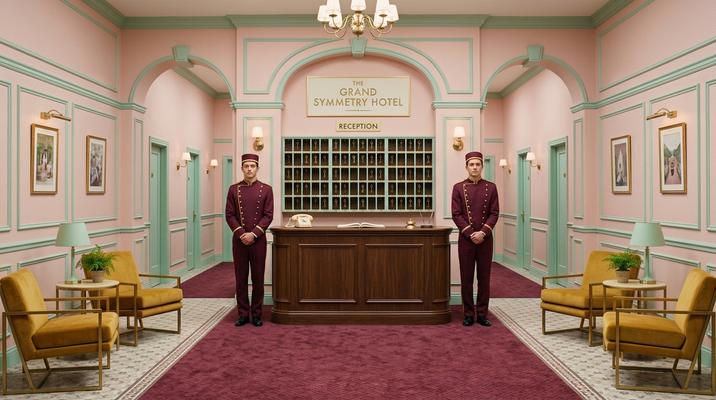
Wes Anderson Symmetry
Perfectly centered compositions, pastel color palettes (pink, mint, mustard), dollhouse-like inte...
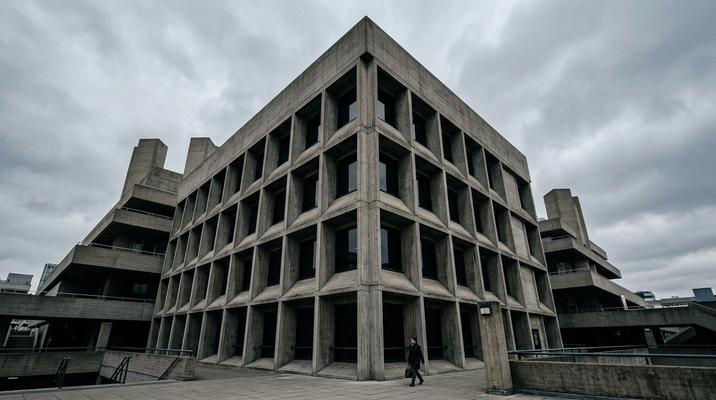
Brutalist Architecture
Monolithic raw concrete forms with dramatic shadows, geometric repetition, and uncompromising str...
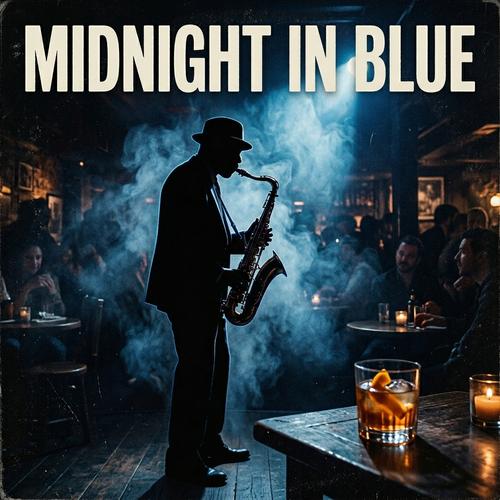
Vinyl Album Cover Art
Classic album cover compositions designed for the square vinyl format — bold, iconic single-image...
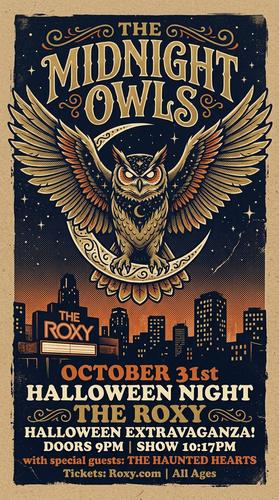
Concert Poster / Gig Poster
Screen-printed aesthetic with limited 3–4 color palettes, heavy ink texture, hand-drawn typograph...
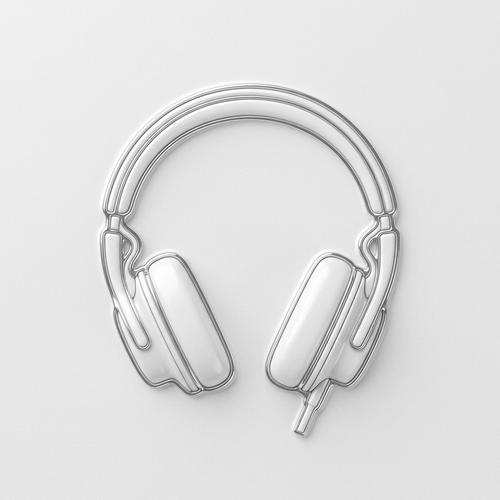
Glass Embossed 3D
Premium 3D embossed contour renders where subjects emerge from a flat, monochromatic surface as r...
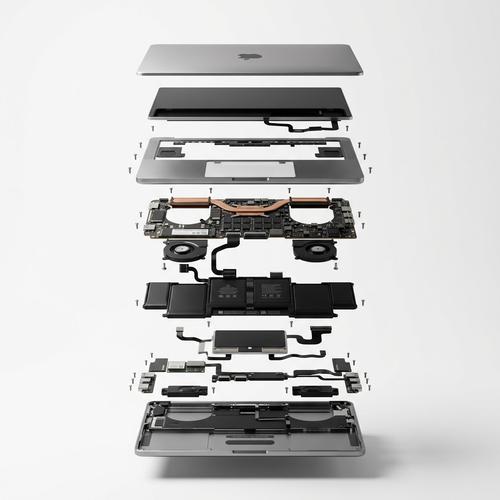
Exploded Product View
High-end product photography showing objects in an exploded/deconstructed view — outer shells hov...
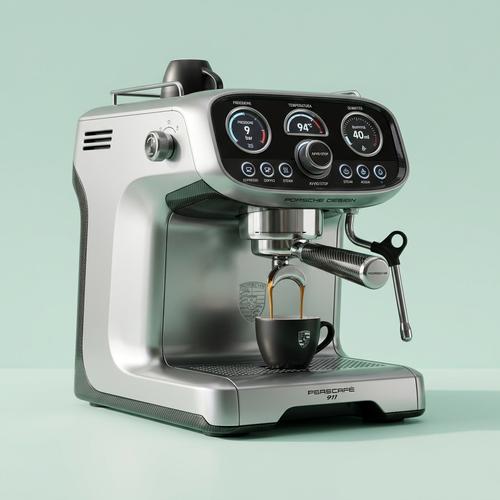
Brand Concept Renders
High-end, glossy concept art product renders imagining unexpected collaborations — "What if [LUXU...
🕹️ Retro & Digital
Section titled “🕹️ Retro & Digital”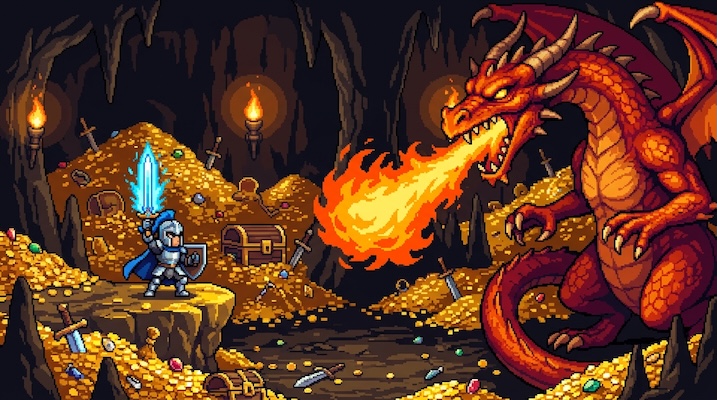
Pixelated / 16-bit
Authentic SNES/Genesis-era pixel art with strictly limited color palettes, visible pixel grids, a...
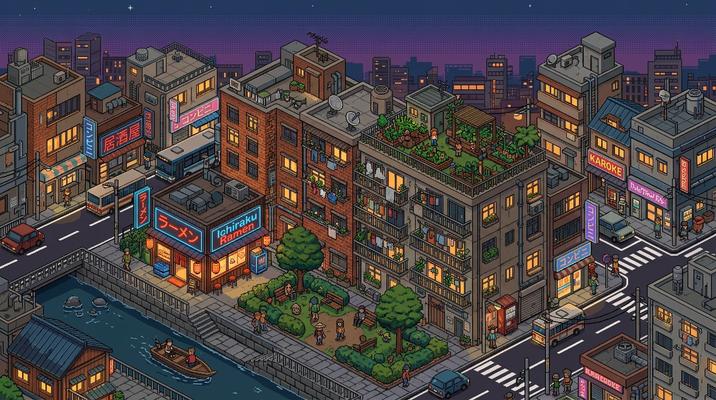
Isometric Pixel City
Top-down isometric urban grids built from pixel art tiles — the visual language of city-builder a...
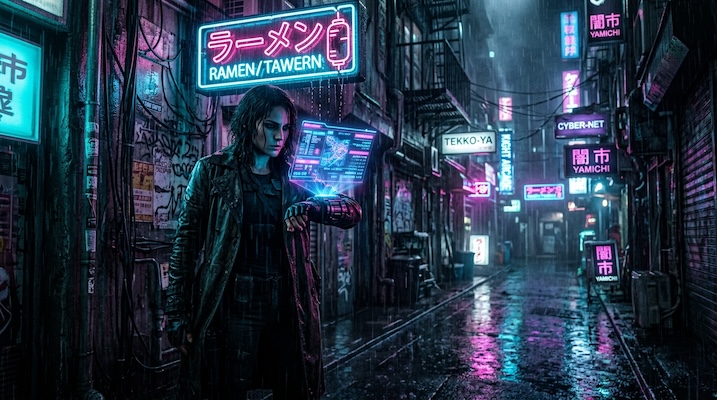
Cyberpunk Noir
Rain-soaked neon-lit cityscapes, cybernetic augmentations, and the noir-meets-technology aestheti...
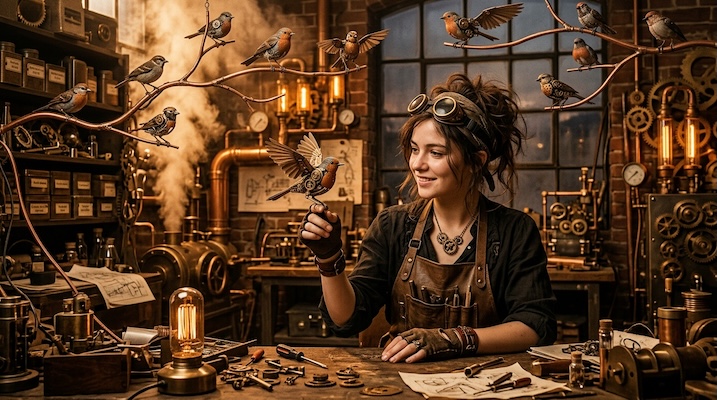
Steampunk Contraptions
Victorian-era machinery reimagined with brass gears, copper pipes, leather straps, and steam-vent...
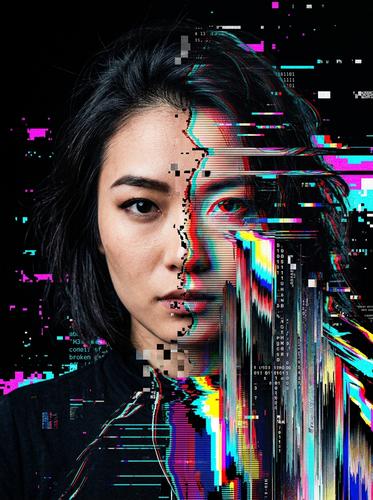
Glitch Art
Digital corruption aesthetics — scan lines, pixel sorting, data-moshing, chromatic aberration, an...
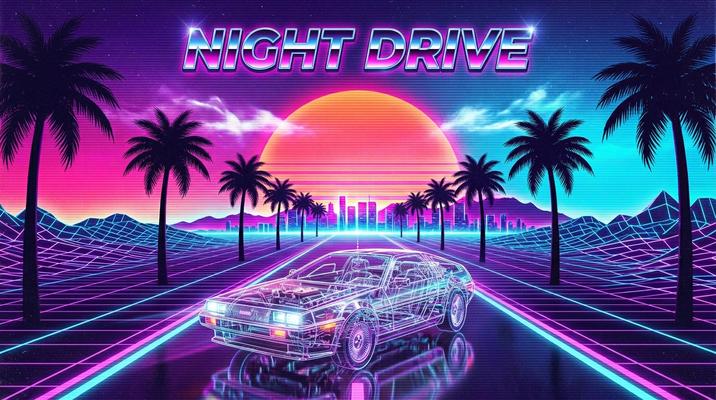
Vaporwave / Synthwave Retrowave
The neon-drenched nostalgia of the 1980s filtered through internet culture — chrome grids stretch...
🏛️ Historical & Cultural Art
Section titled “🏛️ Historical & Cultural Art”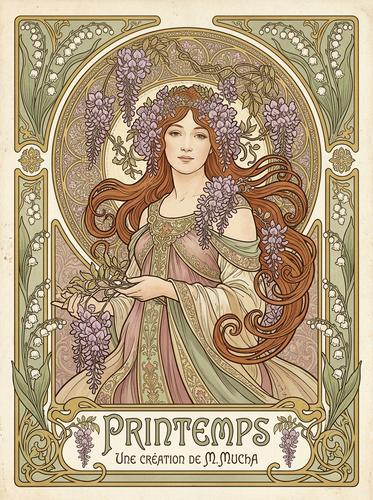
Art Nouveau / Alphonse Mucha
Flowing organic lines, elaborate floral borders, ethereal female figures, and ornamental typograp...
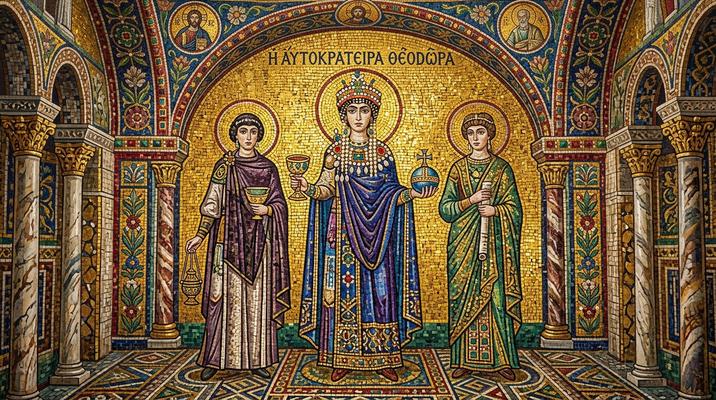
Byzantine Mosaic
Scenes composed entirely from small square tesserae (tiles) set in plaster — gold leaf tesserae f...
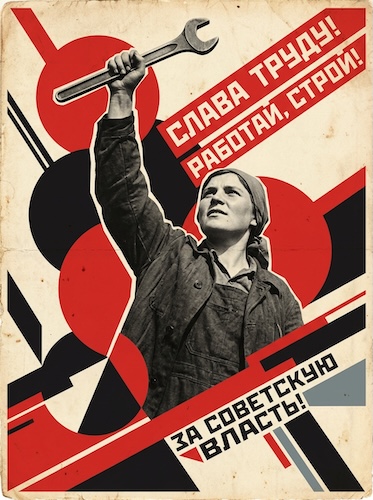
Soviet Constructivist
Bold revolutionary propaganda posters with limited red-black-cream palettes, strong diagonal comp...
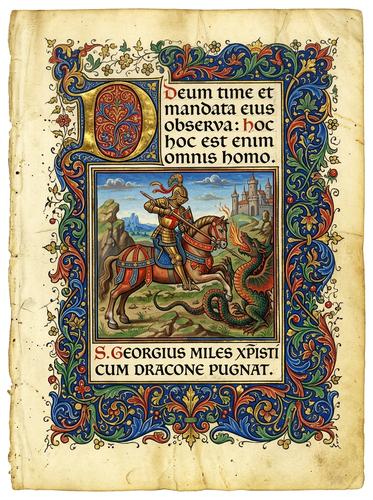
Illuminated Manuscript
Medieval illuminated manuscript borders, ornate gilded initials, and richly decorated text pages ...
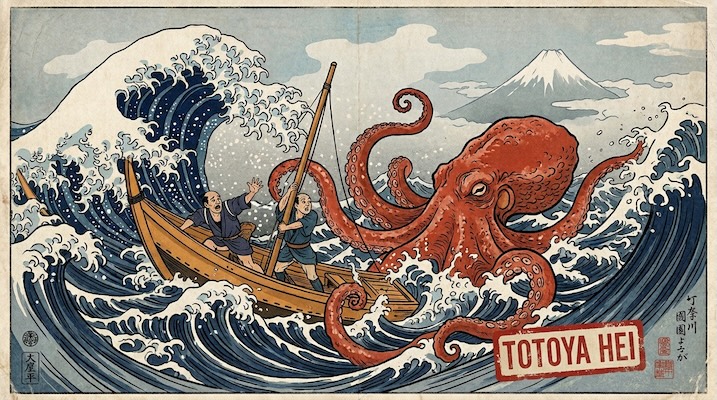
Ukiyo-e Woodblock
Japanese woodblock print aesthetic — flat areas of color with visible wood grain texture, bold bl...
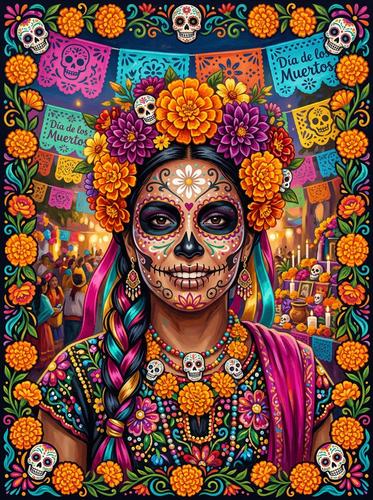
Día de los Muertos (Day of the Dead)
The vibrant visual language of Mexico's Day of the Dead celebration — sugar skull (calavera) face...
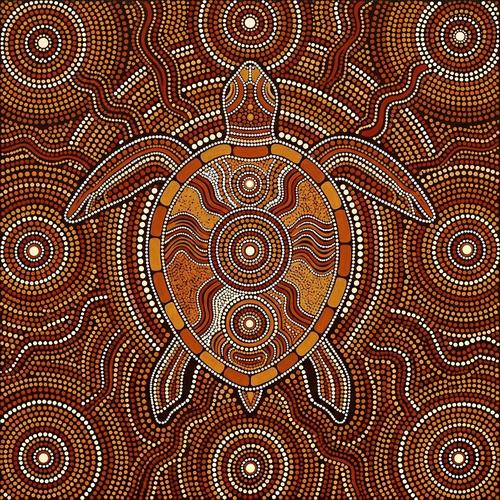
Aboriginal Dot Painting
Australian Indigenous dot painting — stories told through carefully placed dots of earth pigments...
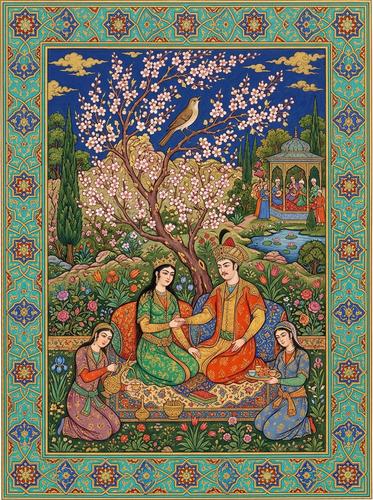
Persian Miniature
Richly detailed paintings from the Persian manuscript tradition — flat perspective, jewel-toned m...
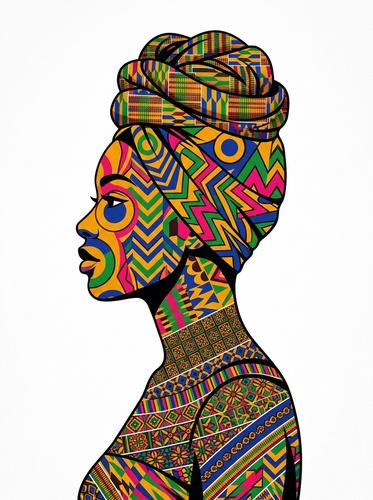
Kente / Ankara Portraits
Portraits featuring vibrant West African textile traditions — Kente cloth (gold-threaded Ghanaian...
🌌 Fine Art & Surreal
Section titled “🌌 Fine Art & Surreal”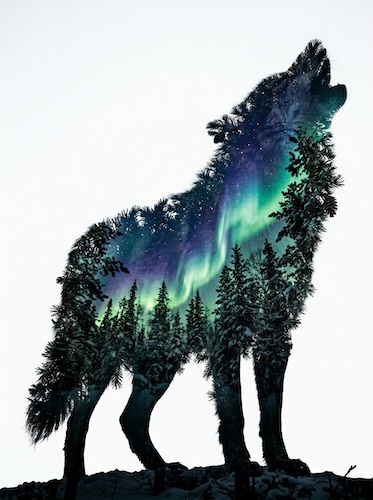
Double Exposure
Two images merged into a single frame — typically a human silhouette filled with a landscape, cit...
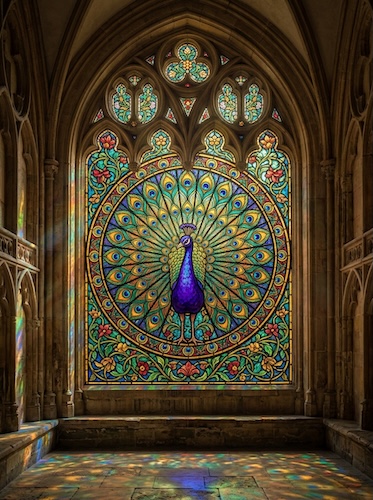
Stained Glass Windows
Subjects rendered as medieval stained glass — bold black lead lines (cames) separating jewel-tone...
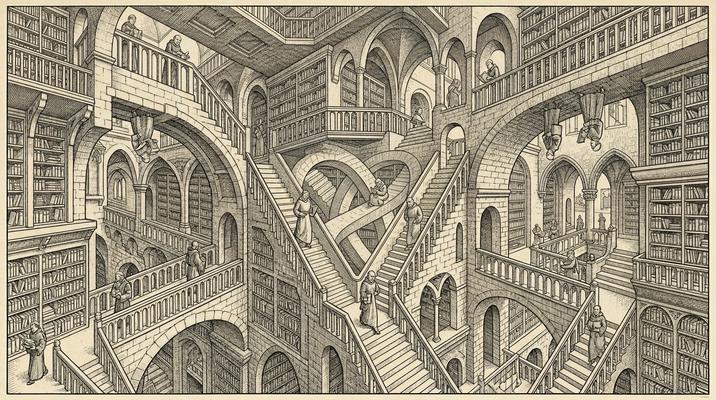
Impossible Architecture / Escher
M.C. Escher-inspired impossible constructions — staircases that loop back on themselves, water fl...
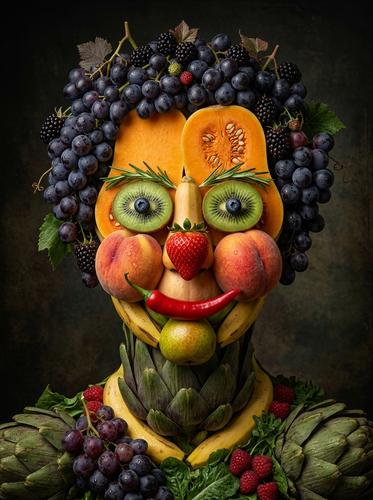
Food Art & Portraiture
Restaurant-quality food photography elevated to fine art — where arrangement becomes composition,...
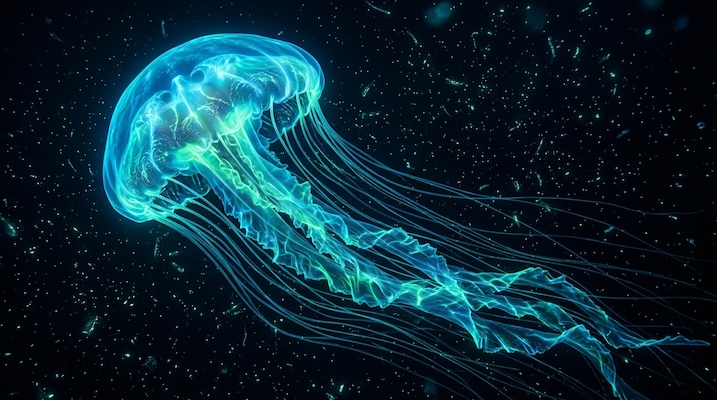
Bioluminescent Underwater
The otherworldly glow of deep-sea bioluminescence — creatures and environments lit by their own i...
🖌️ Traditional Art & Sketch
Section titled “🖌️ Traditional Art & Sketch”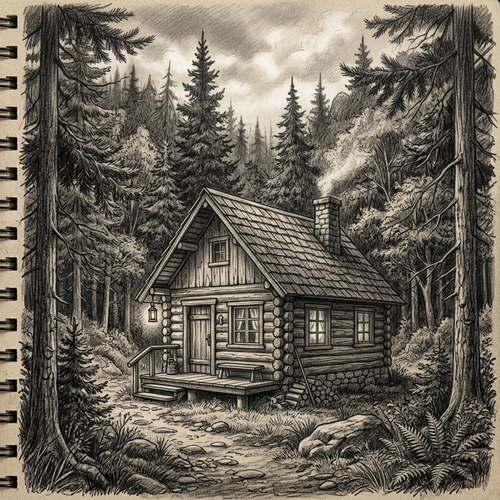
Pencil Sketch
Detailed graphite pencil drawings characterized by precise linework, intricate cross-hatching, an...
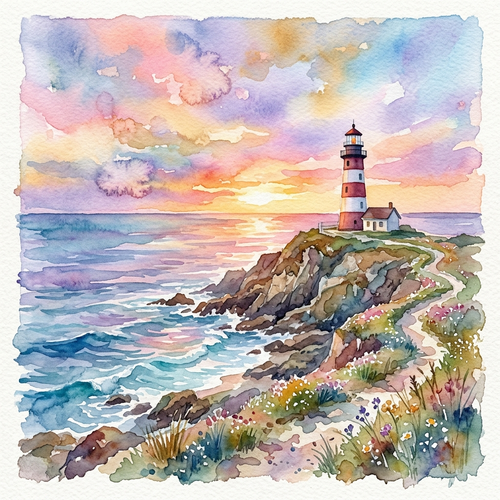
Watercolor Painting
Fluid, translucent, and luminous watercolor art characterized by soft washes, visible color bloom...
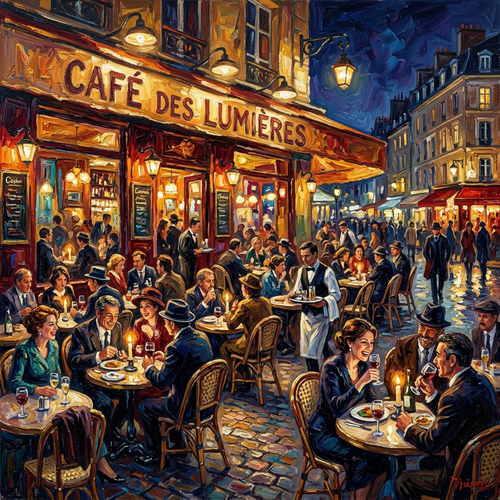
Oil Painting Impasto
Rich, vibrant, and highly textured oil paintings characterized by thick impasto brushstrokes and ...
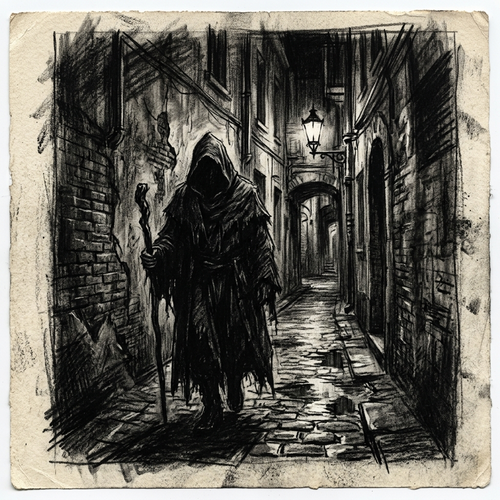
Charcoal Drawing
Dramatic, high-contrast drawings utilizing charcoal and conté crayons. This style is defined by i...
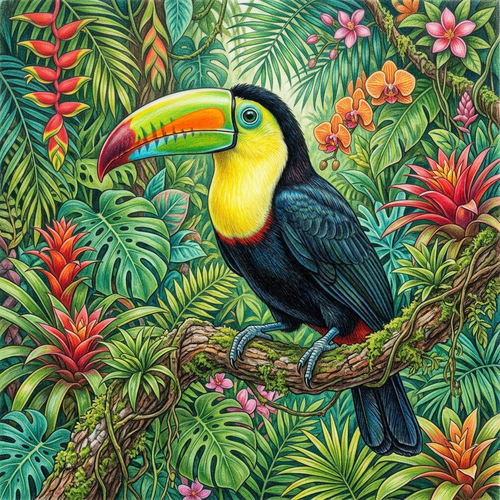
Colored Pencil
Vibrant, highly detailed illustrations built through careful layering of colored pencils. This me...
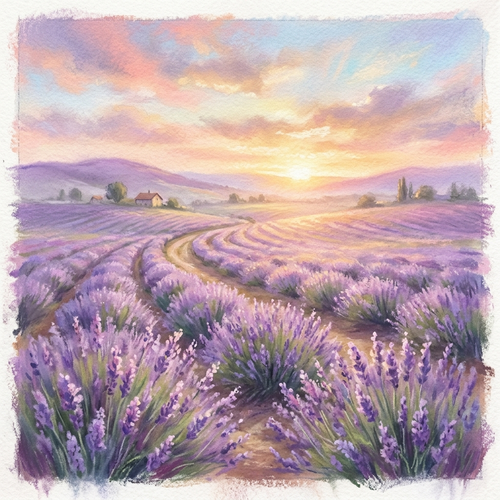
Soft Pastel
Dreamy, softly blended artworks created with dry pastels. This style is characterized by its lumi...
📷 Photography & Imaging
Section titled “📷 Photography & Imaging”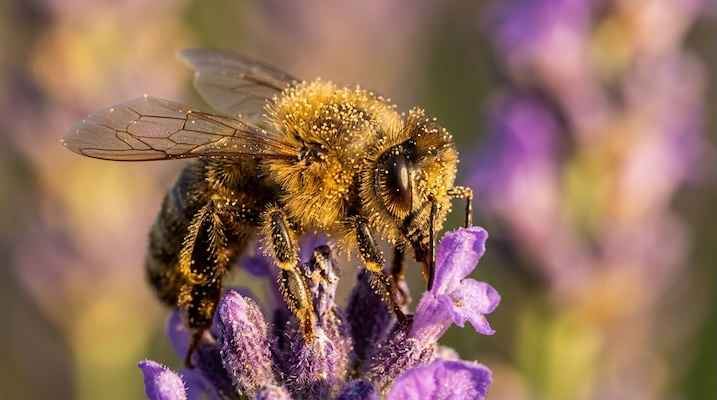
Cinematic Macro Photography
Extreme close-up photography revealing the hidden worlds within everyday objects — dewdrops on pe...
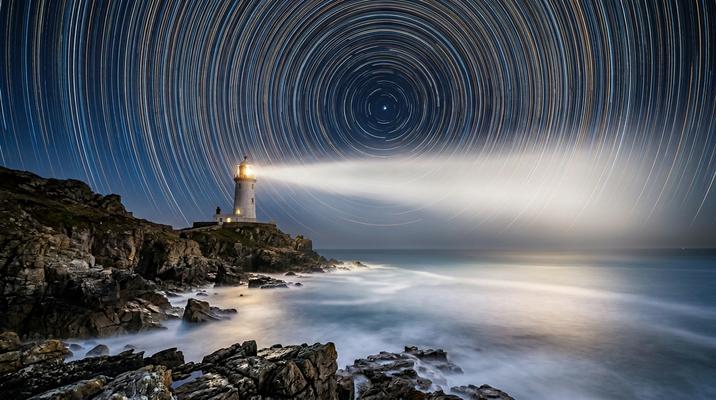
Long Exposure / Light Painting
Time collapsed into a single frame — star trails arcing across the sky, car headlights streaking ...
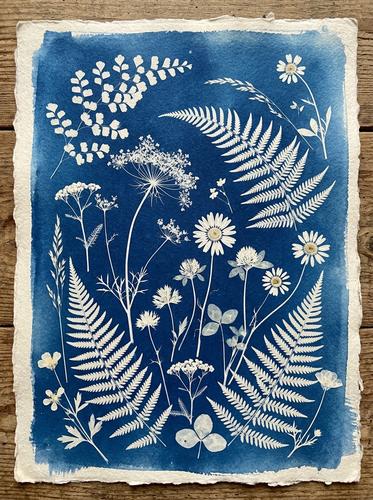
Cyanotype / Sun Print
The oldest photographic printing process — Prussian blue prints made by exposing iron-salt treate...
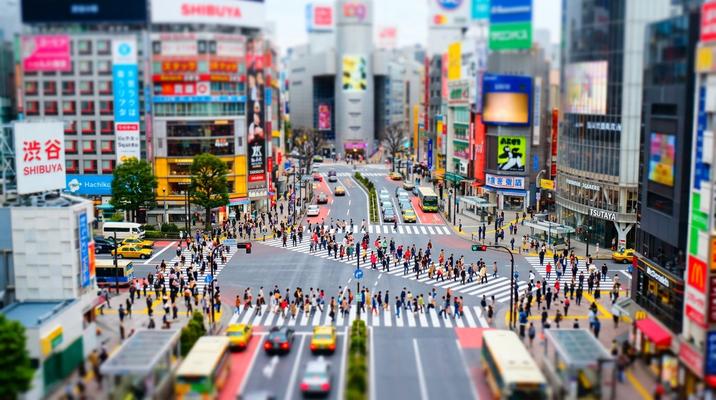
Tilt-Shift Miniature Effect
Real-world scenes photographed (or processed to appear as if) with a tilt-shift lens that creates...
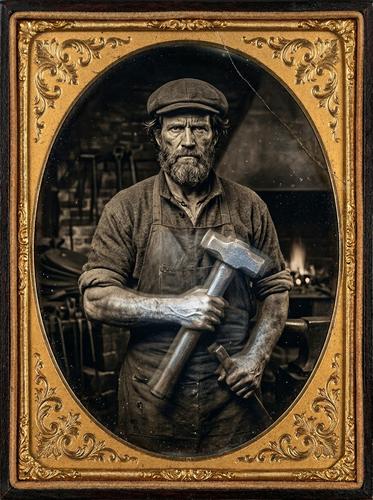
Daguerreotype / Tintype
The earliest photographic processes — portraits on mirror-polished silver plates (daguerreotype) ...
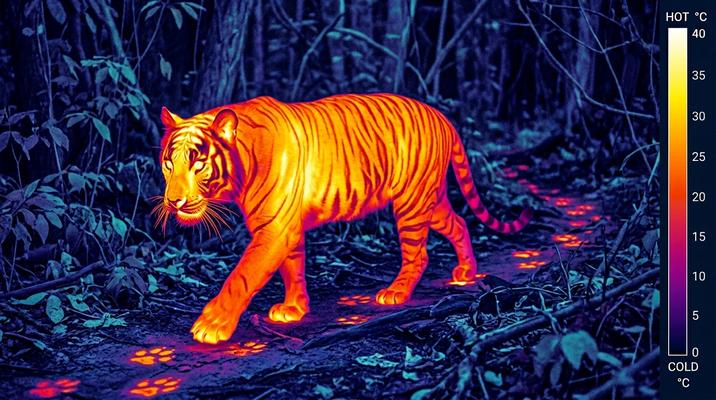
Infrared / Thermal Imaging
The invisible made visible — infrared thermography maps heat radiation into vivid color gradients...
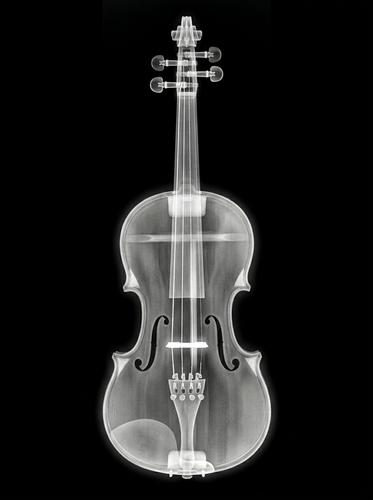
X-Ray / Medical Imaging
The ghostly translucency of X-ray, CT scan, and MRI imaging — where the external disappears and i...
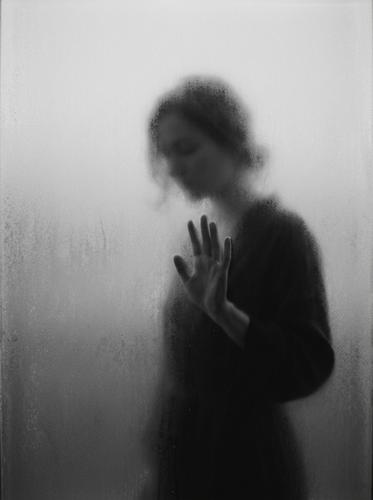
Frosted Silhouette
Moody, understated black-and-white photography where subjects are captured behind a frosted or tr...
🔬 Scientific & Technical
Section titled “🔬 Scientific & Technical”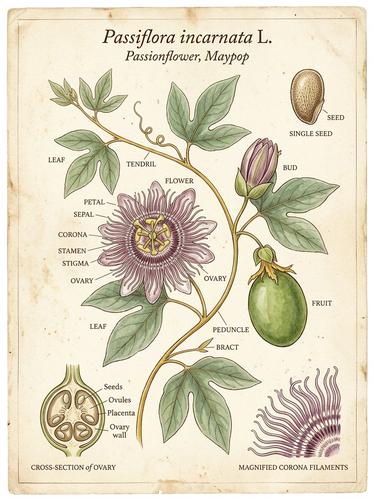
Botanical Illustration
Scientific botanical art in the tradition of Maria Sibylla Merian and Pierre-Joseph Redouté — eve...
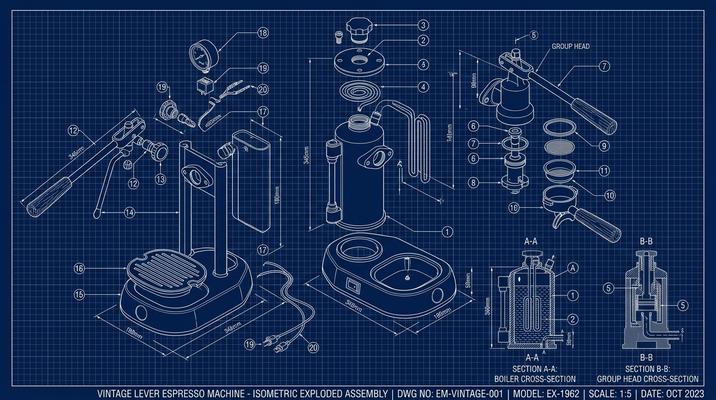
Blueprint / Technical Drawing
White-line technical drawings on deep blue cyanotype paper — precise architectural blueprints, me...
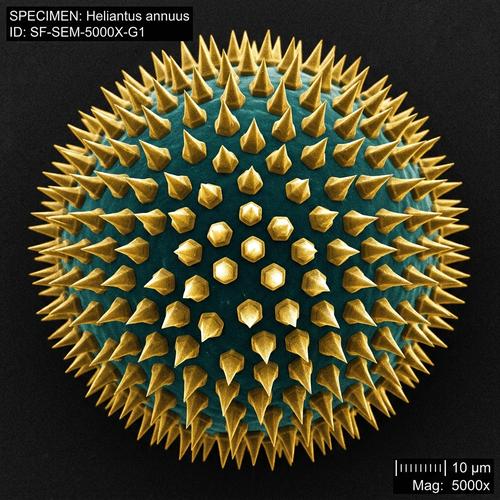
Electron Microscope
The alien landscapes revealed by scanning electron microscopy (SEM) — extreme magnification turni...
🪐 Speculative & Futurism
Section titled “🪐 Speculative & Futurism”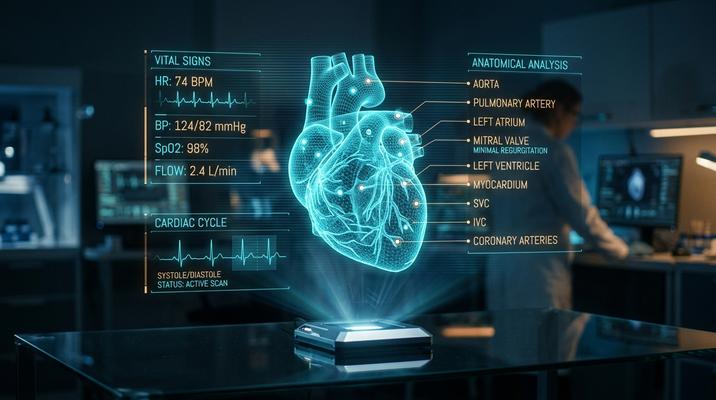
Holographic UI / Sci-Fi
Translucent holographic interfaces, floating data displays, and Minority Report-style gesture con...
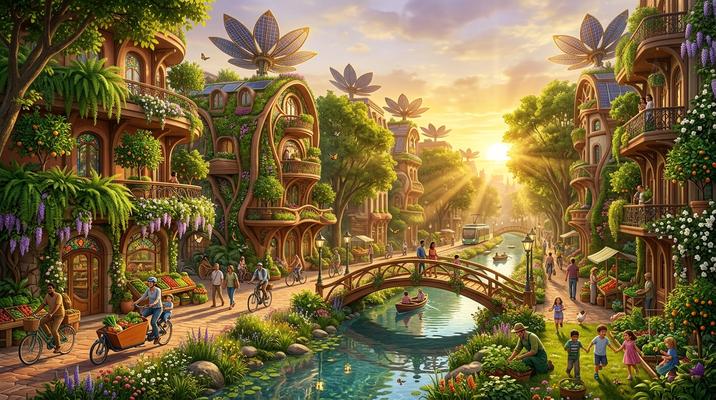
Solarpunk
A utopian vision where advanced technology and lush nature coexist harmoniously — vertical garden...
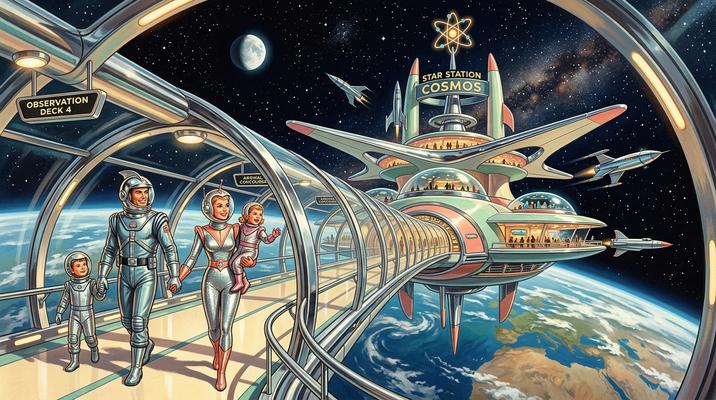
Retrofuturism / Raygun Gothic
The retro-future that never happened — chrome rocketships, bubble-domed cities, finned automobile...